Study · Four weeks
Four-week study notebook
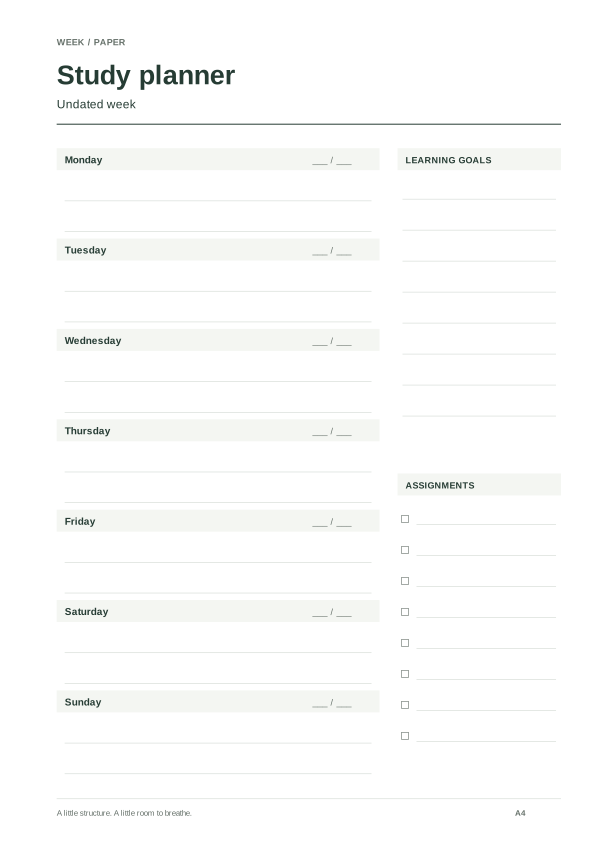
Four undated A4 weeks with learning goals, assignments and alternating binding space.
THOUGHTFULLY MADE. READY FOR PAPER.
Create truly undated weekly PDF pages with blank date spaces, weekday names, optional study sections and binding margins. No email needed.

Date coverage and page count appear here.
Save deliberately. Restore whenever you need.
Only layout settings and the selected dates are included. No writing or personal records. Nothing is sent automatically. Localhost links work only on this device; JSON backups can move between devices.
Version 1, 2 and 3 backups are supported. Import changes this visit; only Save keeps it.
Four undated A4 weeks with learning goals, assignments and alternating binding space.
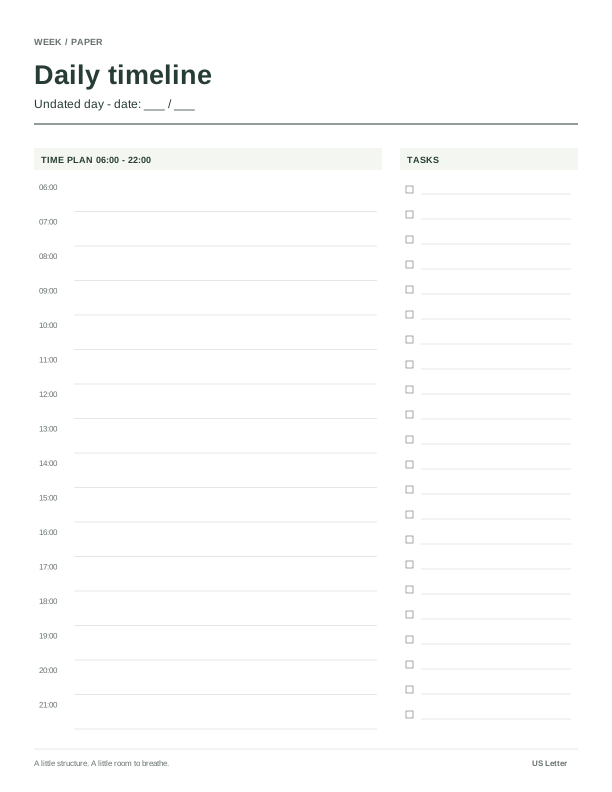
An undated Letter timeline with a task list for meetings, focus sessions and buffers.
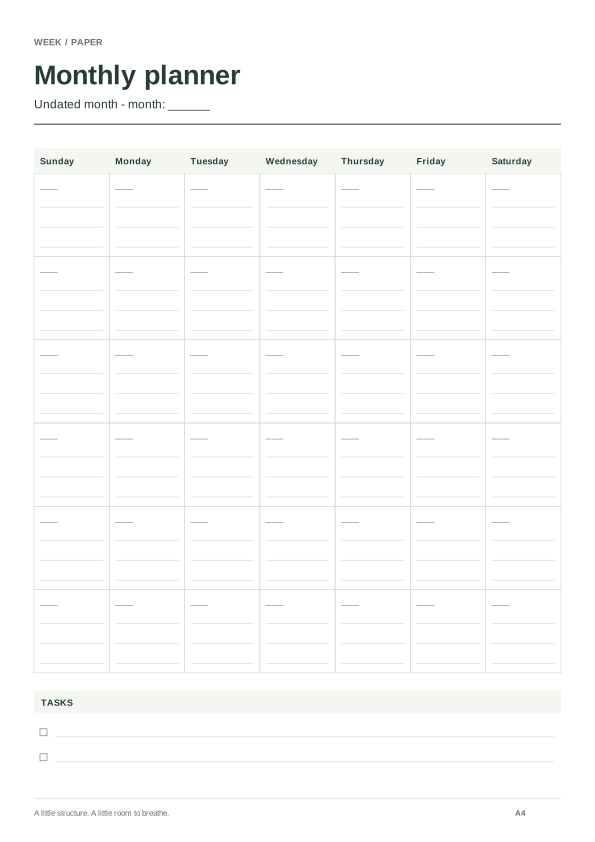
A Sunday-first portrait A4 month with a task list for household dates and follow-ups.
A calendar for the dates. A little room for what matters. Every format is generated from your choices, with paper size and binding kept in view.
Build a planning rhythm ↗The PDF keeps seven weekday headings and blank date spaces. It prints no year, calendar date or date range, including in its document title and filename. Monday or Sunday still determines the order. You write the dates yourself; the tool cannot tell whether you filled them correctly.
An undated page suits irregular planning: a week away from normal routines, a short revision period, or weeks when you choose to plan on paper. Print a few copies and use one only when needed. If a deadline depends on a precise date, write that date explicitly and check it against your calendar. A blank line is not a reminder system.
The count is 1–54 reusable pages, not a claim to cover a calendar year. Identical copies remain useful if you write on paper. With mirror binding, odd and even copies have different wider edges, so inspect both before printing. A single-page export retains the chosen page’s original binding side.
Try the study planning routine or follow the binding test. A template has no expiry year, but the file is not an editable PDF form. Chinese text remains vector outlines with the documented reader limitations.
For a bound calendar year or a continuous run of dated pages, switch modes or open the year and cross-year generator. Check its exact page count rather than treating 52 copies as a full dated year. The 2027 page has specific examples for that year.
Saving retains settings, not handwriting. A shared link can carry the template choices but cannot attach notes or documents. Review what gets saved and shared.
Connect year, month, week and day pages without copying the same plan four times; use only the levels your task needs.
Choose 20 mm binding space, understand mirrored page parity, and test single-page or duplex printing before punching your planner.
Compare the tool preview, downloaded PDF and printed sheet to isolate clipping, orientation, duplex and scale problems.